
Applying with AI: draft professor emails without inventing your story
2026-10-03
AI can draft the cold email and the follow-up for graduate applications. Use it against a real professor and a real deadline, and leave gaps where it does not know your background.
Applying with AI is not a shortcut past reading a professor's page. It is a way to turn the names, deadlines, and follow-ups you already track into a first draft you can edit — instead of a blank page on a Sunday night.
Students search for “applying with AI” when the season piles up: too many faculty pages open, too many drafts that sound the same, and no clear record of who still owes a reply. The useful part of AI here is narrow. It writes the next message against a contact you pick. It does not replace the program page, the deadline, or the facts about you.
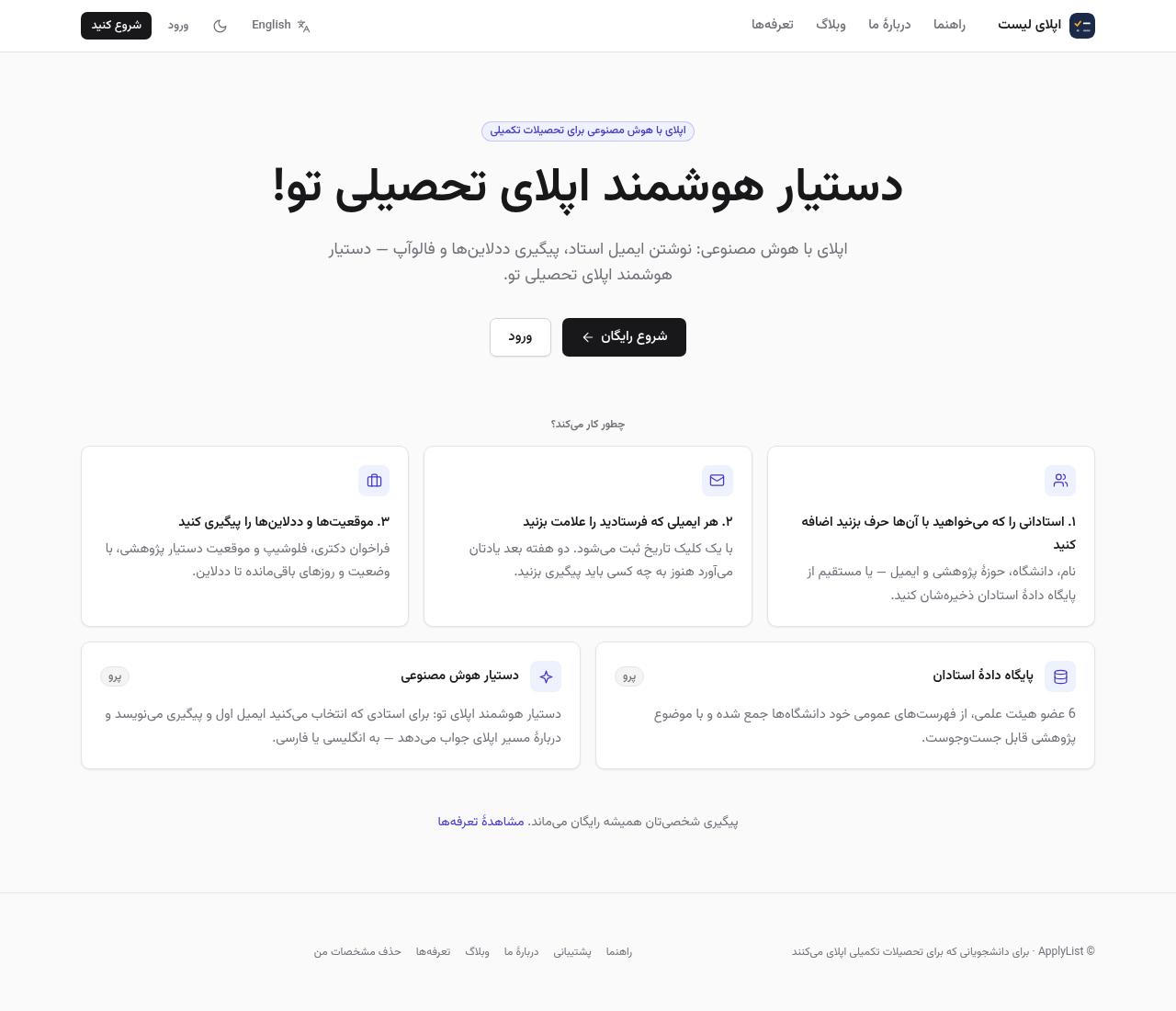
What AI should know before it writes
A good draft needs three things you already have, or should collect first:
- One professor: name, university, and a research topic written the way their own page writes it.
- One ask: a PhD place, a visiting term, or a question about a paper — not all three in the same paragraph.
- One line about you that is true: degree, lab tools, or a thesis topic. If you do not have that line yet, the draft should leave a bracket for it.
Without those, “AI for graduate applications” produces polite filler. With them, the same tool writes something you can send after a short edit.
Draft the first email, then the follow-up
The first message is short. Name the paper or topic you actually read, say what you are applying for, and ask one clear question. AI helps when it anchors on the contact you selected, not when it invents a shared history with someone you have never emailed.
Two weeks of silence is ordinary. The follow-up should be shorter than the first note, mention the date of that note, and repeat one question. Keep both drafts next to the same row so you know which version went out.
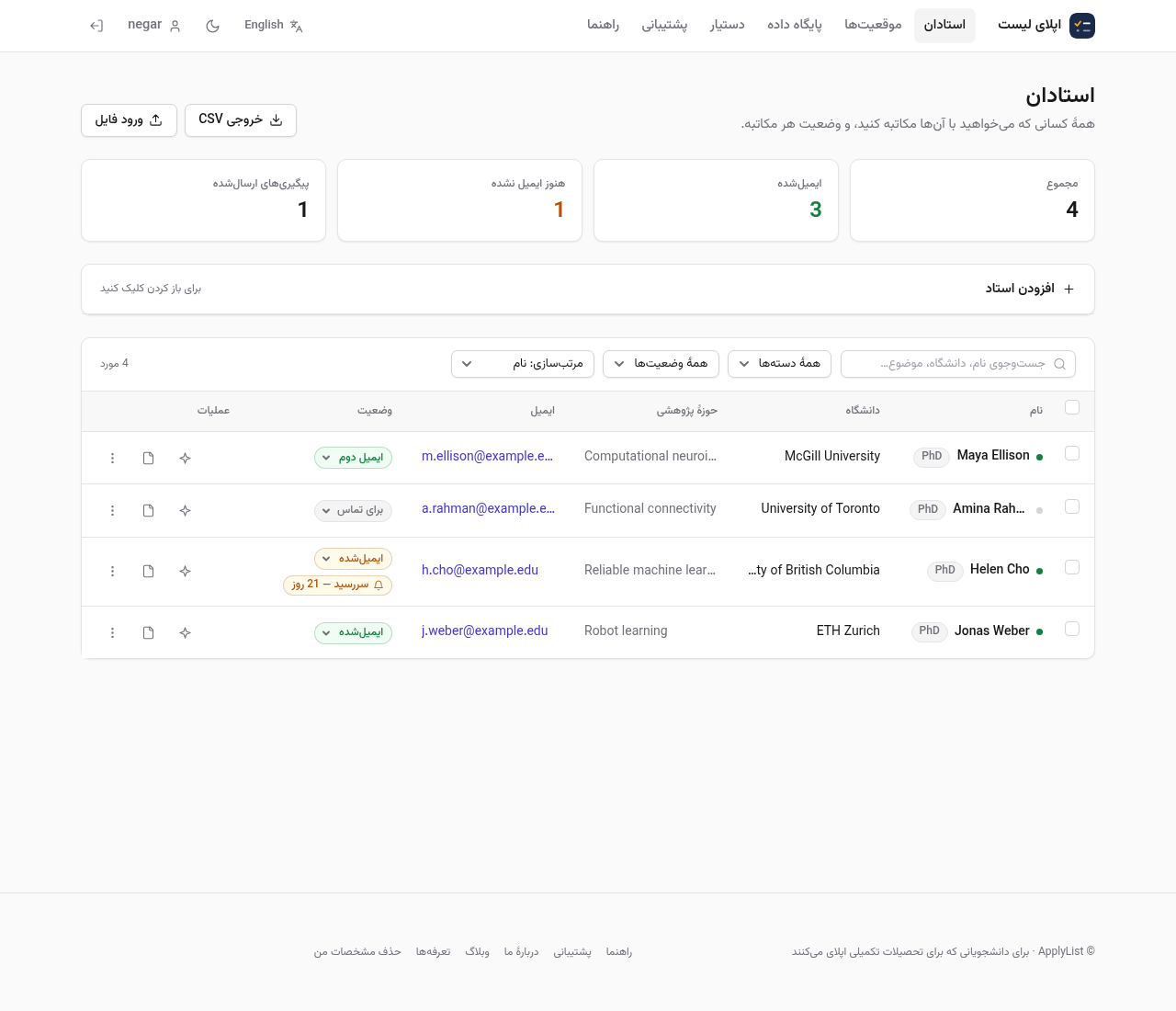
Never let the model invent your background
The difference between a useful AI assistant for applying and a risky one is honesty about missing details. If the tool does not know your GPA, your English score, or whether you have a publication, it should leave a [bracketed placeholder] — not invent a number that looks good.
Send only what you would defend in a Zoom interview. A polished paragraph that is not true burns the same address you spent a week finding.
Keep the human half of applying
AI does not choose the department. You still read the faculty page, check whether they are taking students, and copy the deadline from the university's own portal. Track positions and people in one place so a yes from a professor does not hide a portal that closes on Friday.
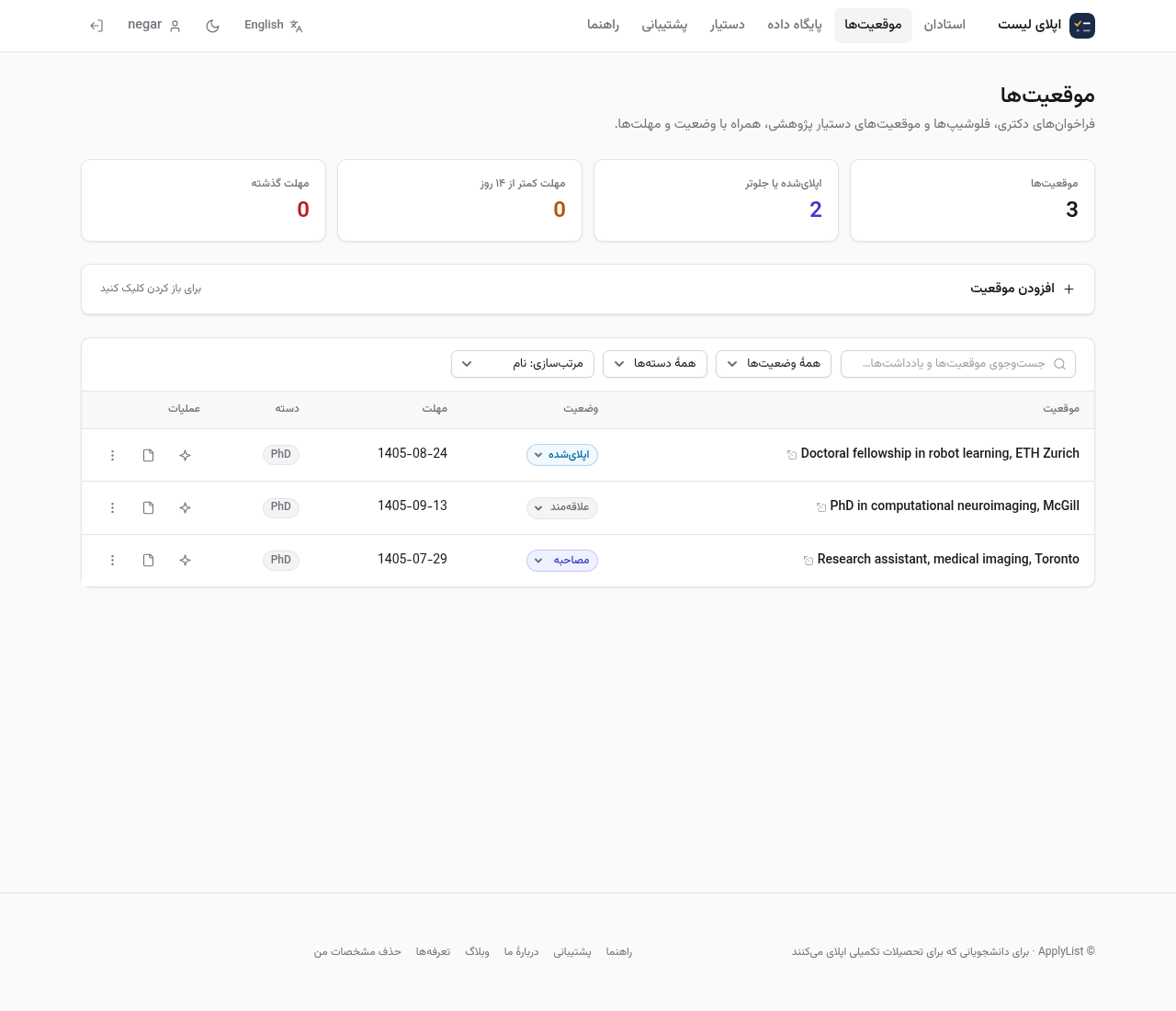
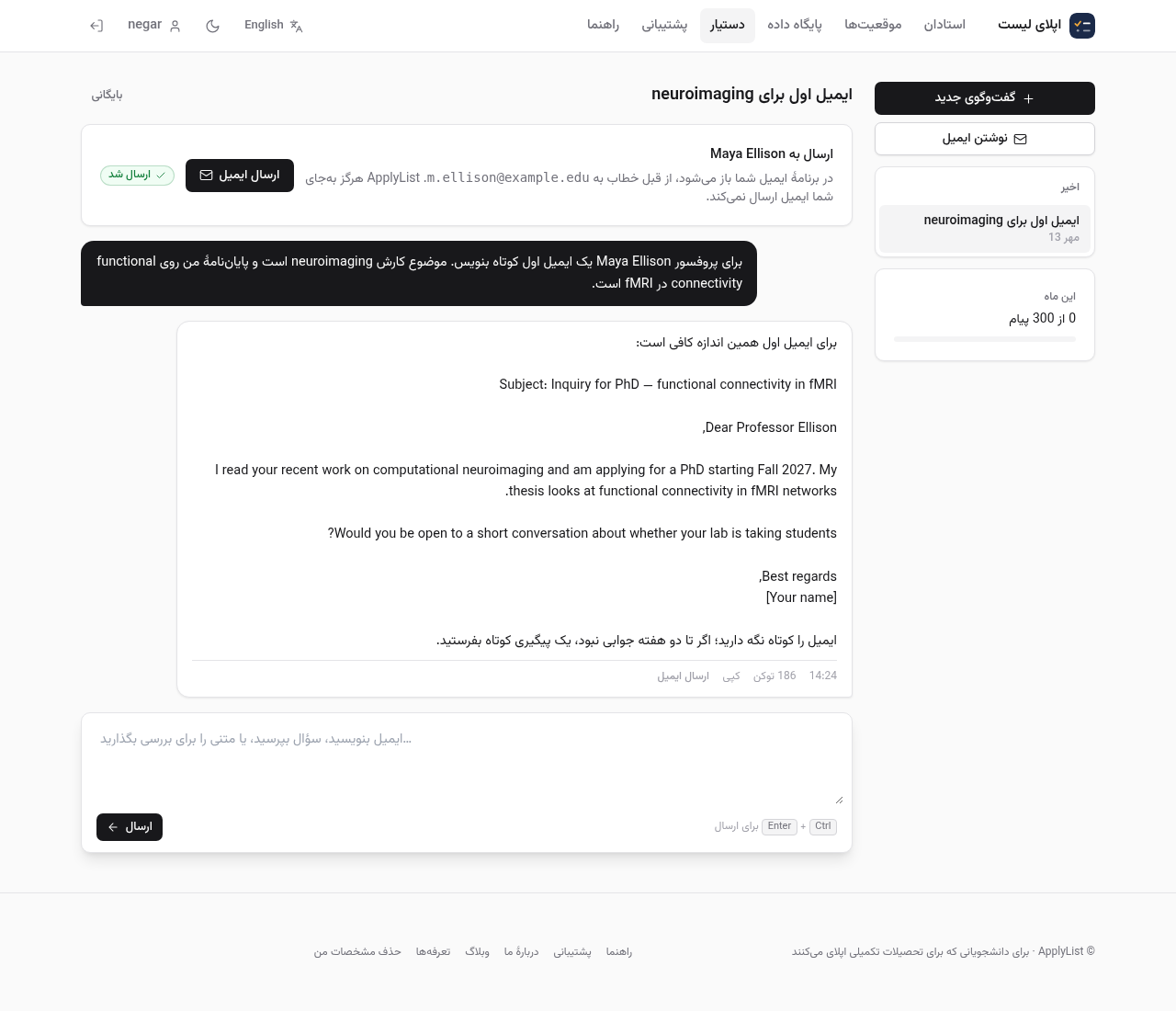
A practical loop for applying with AI
- Save the professors you want to reach, with topic and email.
- Ask the assistant for a first email against one contact, in English or Persian.
- Fill every bracket with something true, or delete that sentence.
- Mark the message sent and set a reminder for a follow-up.
- Save the program deadline on its own row.
That loop is what “your smart assistant for academic applying” should mean: less blank-page time, same standards for truth and timing.
Start from a real list
If your names still live in notes apps and half-finished Google Docs, put them in one tracker first. Then open the assistant on a single professor and ask for the draft. Applying with AI works when the list is real; it fails when the prompt is “write a perfect PhD email” with no person attached.
Comments
No comments yet.
Sign in to leave a comment.