
How to find a professor's university email for graduate applications
2026-10-05
The address on the department faculty page is the one that reaches the right inbox. Copy it next to the name and topic, then send one short email — not a paste to ten people.
Students looking for a PhD or research place often search for “professor email” or “faculty email directory” before they have a sentence worth sending. Finding the address is only half the work. The other half is knowing which person to write, and keeping that person on a list you will open again after silence.
The reliable source is almost always the department’s own faculty page — not a scraped spreadsheet, not a guessed firstname@university pattern, and not a forum post from three seasons ago.
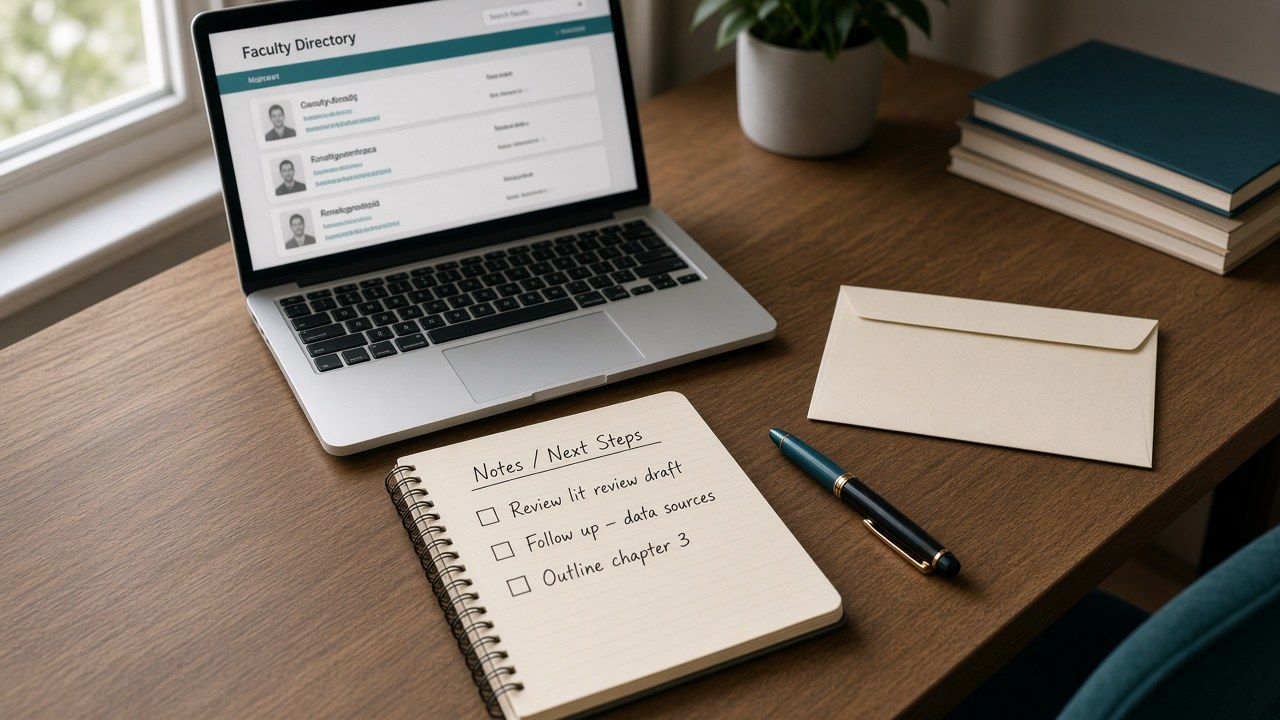
Start on the department page for your field
Open the university site for the field you can actually discuss: computer science, neuroscience, chemistry, mechanical engineering. Find the faculty or people list that department publishes. Read the research line under each name. Keep only the people whose recent work sits next to yours, and who still say they are taking students.
Canada, Britain, Germany, and many East Asian universities print an address next to the name, or behind a profile link. That is the address to use. An address invented from a pattern often lands in a general office, or nowhere.
If the list shows a name without a mail link, open the personal page once. Look for a mailto: link, an address written in plain text, or a form that disguises the @. Copy what the page shows. Do not invent the missing piece.
What to save before you write
Four fields are enough for each person:
- Name and title exactly as the department writes them
- University and department
- Research topic in their words, not a slogan you invented
- The email address from that same page
Without the topic line, the email becomes a generic “I am interested in your lab.” Without the address from the page, you are guessing. Store them together so the draft and the follow-up refer to the same person.
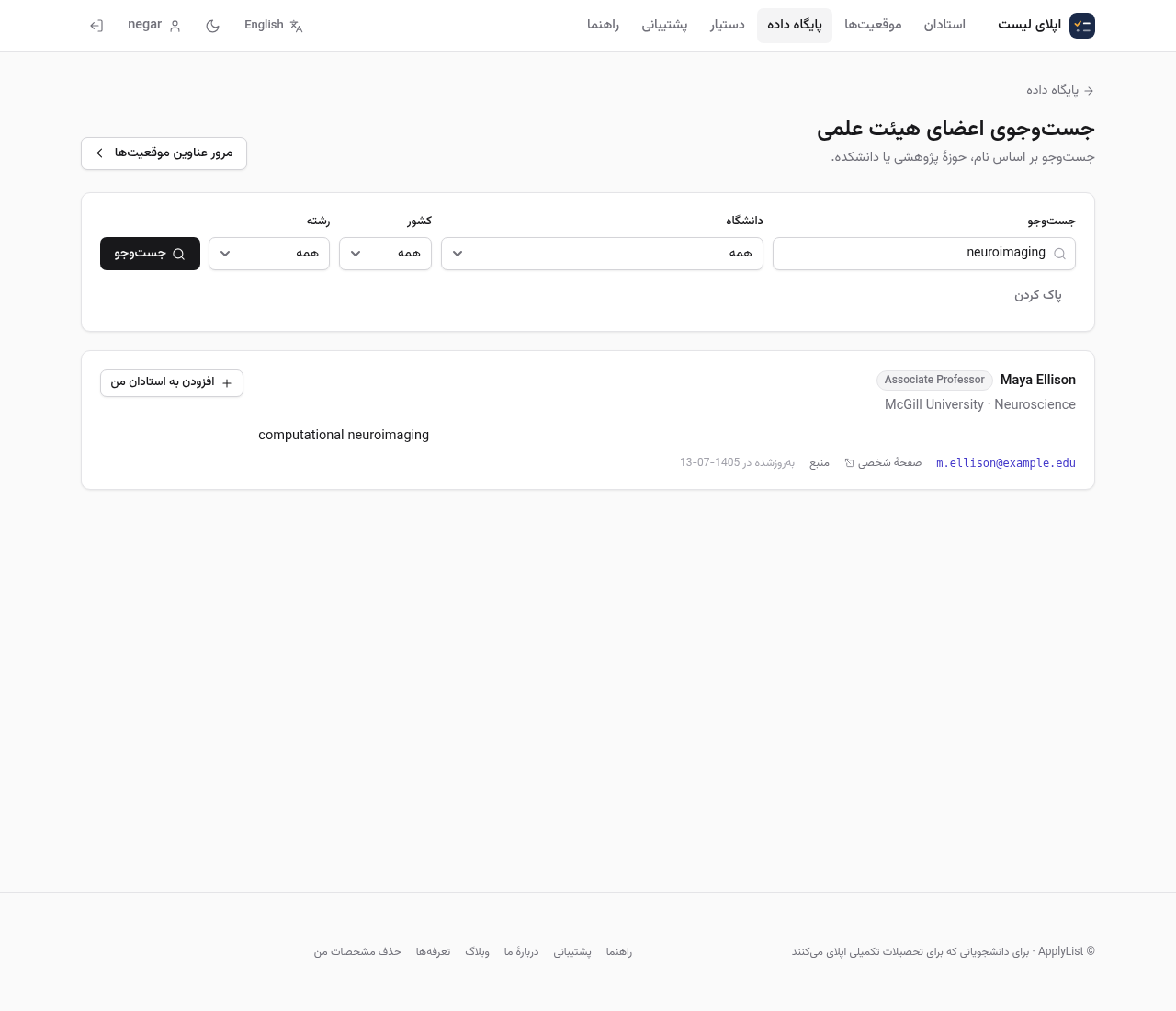
On ApplyList, the paid Database catalog mirrors public university directories — name, field, and contact when the source page publishes one. Use it to shortlist, then confirm the address on the university’s own site before you send. Tracking your own professors and positions stays free.
Write one short email, not a campaign
One person, one paper or topic you actually read, one clear ask: a PhD place, a visiting term, or a question about a paper. Leave a bracket where a grade or publication is missing. A polished sentence that is not true becomes the problem the day someone replies and asks to see it.
Do not paste the same letter to a whole group in one afternoon. Ten identical messages are easy to spot. Two weeks of silence is ordinary; the follow-up should be shorter than the first note and name the date you wrote.

Keep the send date next to the name
After the message goes out, the inbox will not tell you who still owes a reply. Mark the day you sent it. About two weeks later, nudge once. Keep the program deadline on its own row — a warm reply from a professor does not move a portal that closes on Friday.
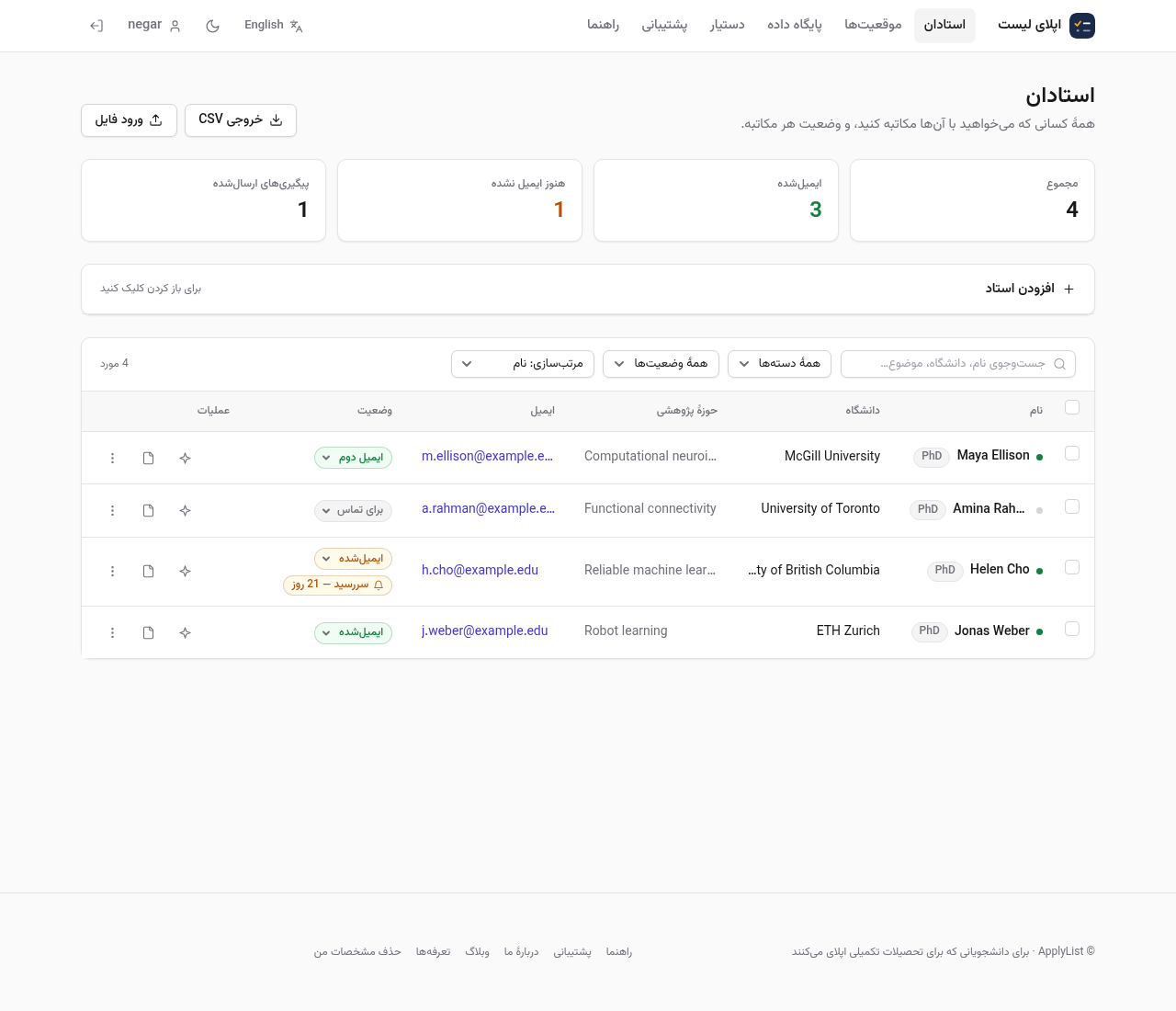
If you want help with the wording after the list is real, draft with the assistant against one contact. For the order of the whole application, read what applying is. After the first note goes out, keep the four lines you will need later.
Create a free account · Browse the database · Open professors
Comments
No comments yet.
Sign in to leave a comment.