
How to write an academic CV for graduate school applications
2026-10-13
An academic CV is the record of your degrees, research, publications, and awards — usually two pages for a master’s or early PhD applicant. Order, honesty, and one clean PDF matter more than a clever template.
Students searching for “academic CV for PhD application” or “how to write a CV for a master’s application” usually have the material already — a degree, a thesis, maybe a paper — scattered across transcripts and old forms. The CV is where it becomes a page a committee can scan in thirty seconds, and it is the one attachment a professor is likely to open from a cold email.
An academic CV is not an industry résumé. A résumé sells you for one job in one page; an academic CV is the record of your academic work: degrees, research, publications, teaching, and awards. For most master’s and early PhD applicants, that record fits in two pages. Padding it to four does not make it stronger.
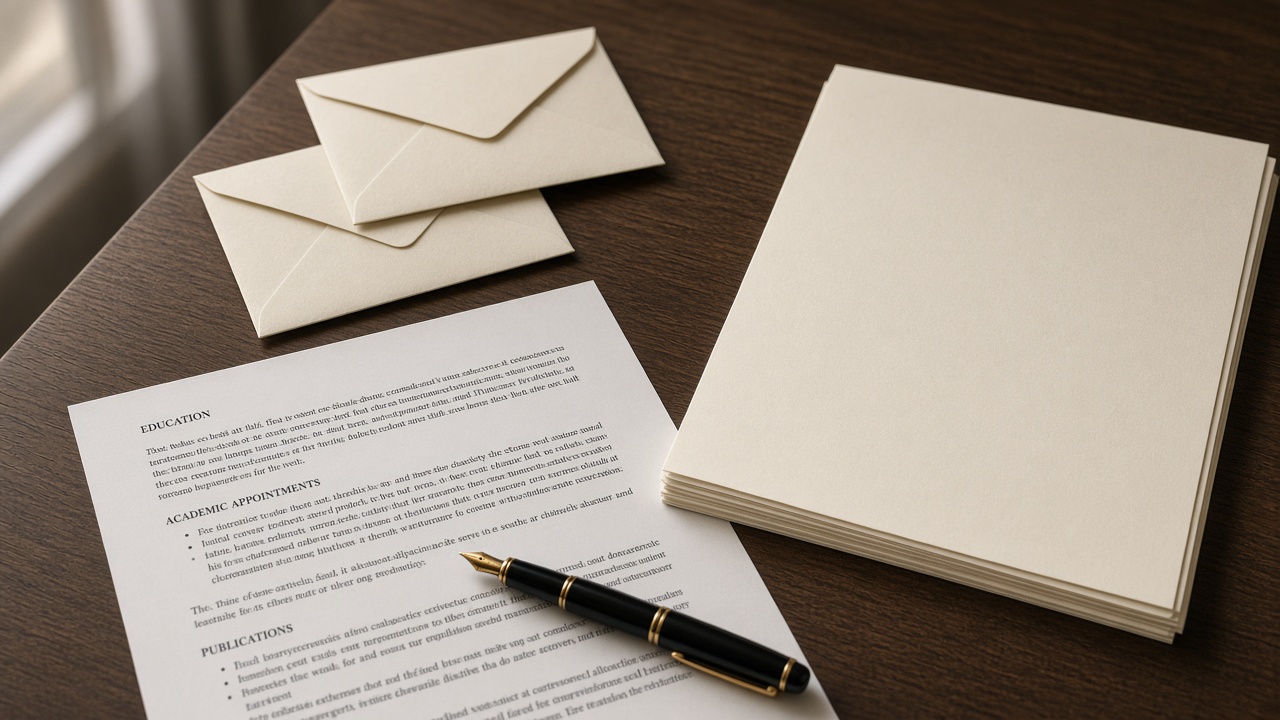
Sections, in the order committees expect
Inside every section, list items in reverse-chronological order: the most recent first.
- Name and contact. Your full name exactly as on your passport, an email address you check daily, a phone number with the country code, and the links that matter — Google Scholar, GitHub, or a personal page. A street address is not needed.
- Education. Degree, field, university, city and country, and start and end dates (or “expected” with a month). Add the thesis title and supervisor. Give the GPA on its own scale, such as
17.85/20, and leave conversion to the university or a credential evaluator unless the program asks you to convert it. - Research experience. For each project: your role, the lab or supervisor, the dates, and one or two lines on what you did — the method, the data, the result. Verbs that name work (“built”, “measured”, “analysed”) beat adjectives (“passionate”).
- Publications. Full citations in one consistent style, with your name in bold. Label the status honestly: published, accepted, or under review. A manuscript in preparation belongs under research experience, not here.
- Conference presentations. Title, conference, city, and date; say whether it was a talk or a poster.
- Teaching. Teaching-assistant positions with the course name and term.
- Honours and awards. Scholarships, prizes, and ranks with the size of the field. “Ranked 85th among about 12,000 candidates in the national master’s entrance exam” says more than “top rank”.
- Skills. Programming languages, lab techniques, and software — only what you could be asked about in an interview.
- Languages. The test, score, and year, such as
IELTS Academic 7.5 (2026). - References. Two or three names with title, affiliation, and email, listed only once each person has agreed. See how to ask for a recommendation letter.
If you have no publications yet, drop that heading rather than leaving it empty. Research experience and a clear thesis line carry an early-career CV.
What to leave out
For programs in North America, the UK, and Australia, leave out a photo, date of birth, marital status, and national ID number. Some European departments still expect a photo or a Europass CV — follow the program page when it says so.
Also leave out:
- High-school grades once you hold a bachelor’s degree.
- Every online certificate you have collected. Keep the one or two that support your field.
- Skill bars and percentages (“Python 90%”). They tell a reader nothing.
- An “objective” paragraph at the top. The statement of purpose does that job.
- Anything you cannot back up. A committee or a referee may ask about any line.
Format and file
- Use one clean column, a standard font at 10–12 pt, and the same date format throughout. Two-column templates full of icons often scramble when a portal converts them.
- Export to PDF and name the file clearly:
Lastname_Firstname_CV.pdf. - Write in English for English-language programs, and spell your name exactly as on your passport and the application form.
- Proofread names, dates, and links. A broken Google Scholar link is the first thing a curious professor clicks.

One master CV, adjusted per program
Keep a master file with everything. For each application, reorder rather than rewrite: put the project closest to that lab first under research experience, and trim what does not help that program. Keep track of which version went where — when a professor replies about “the project on your CV”, you need to know which CV they saw.
On ApplyList, positions hold each program’s status and deadline, and the notes on each professor can record which CV version you sent and when. Tracking your own lists is free.
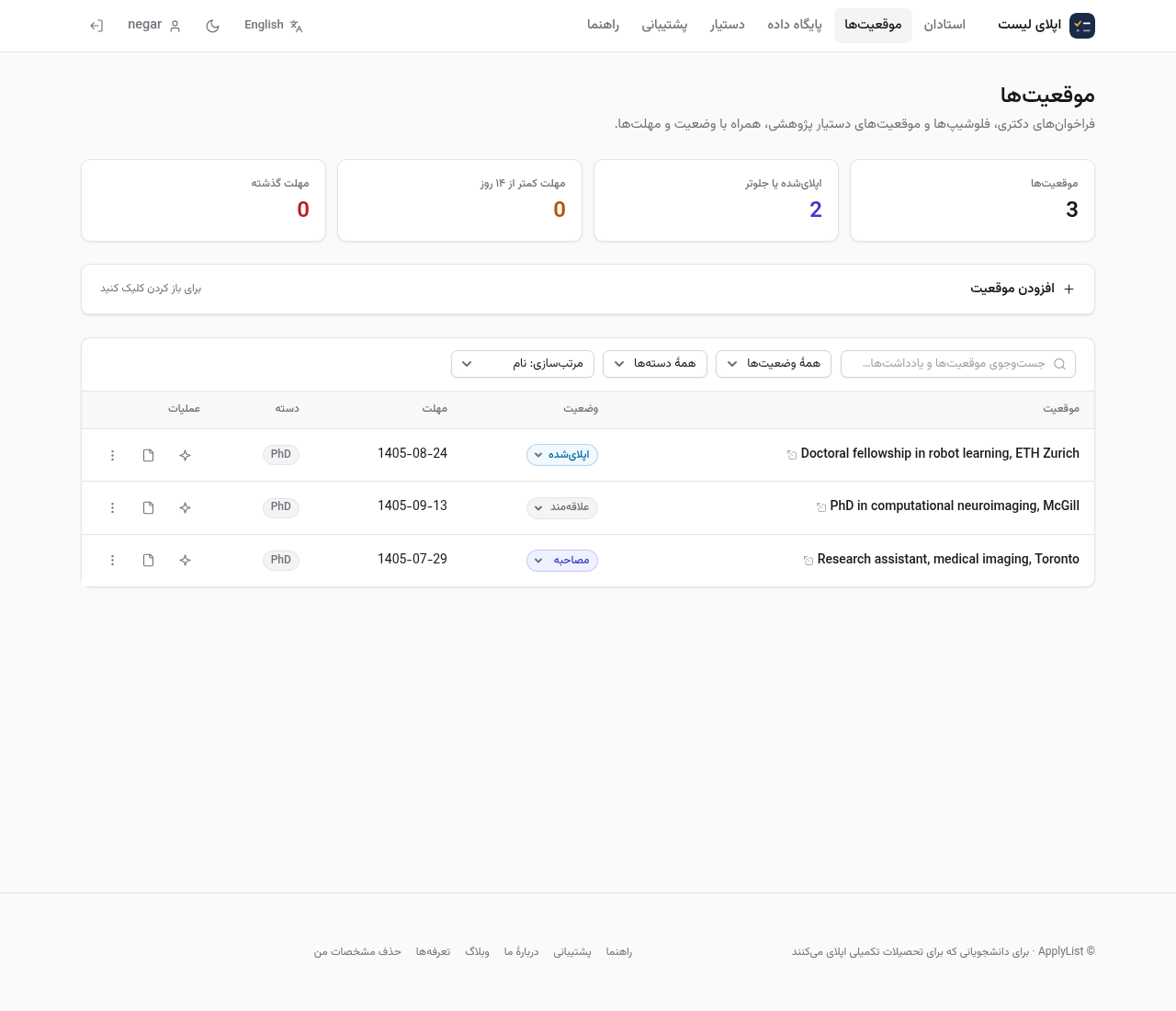
The assistant can turn rough notes into CV bullet points, and it leaves missing details as [bracketed placeholders] instead of inventing a GPA or a paper. Check every line before the file leaves your computer.
Comments
No comments yet.
Sign in to leave a comment.